$ speed
Speed test
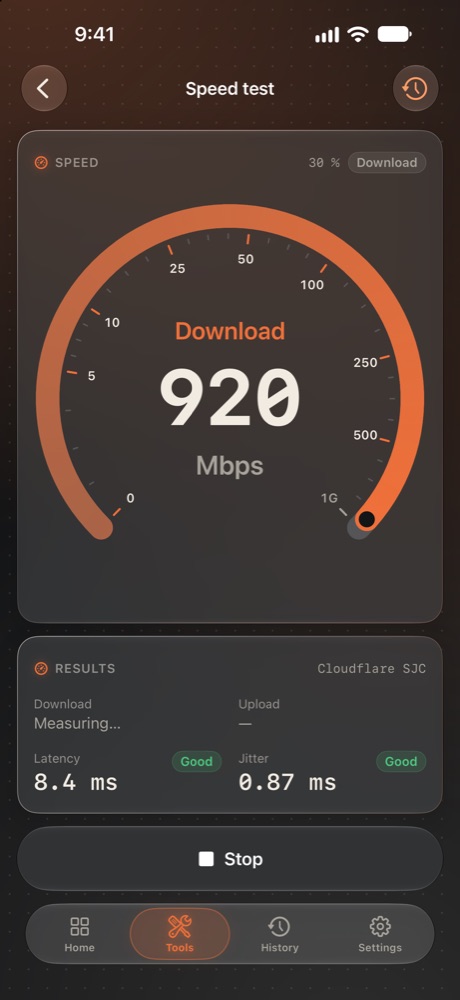
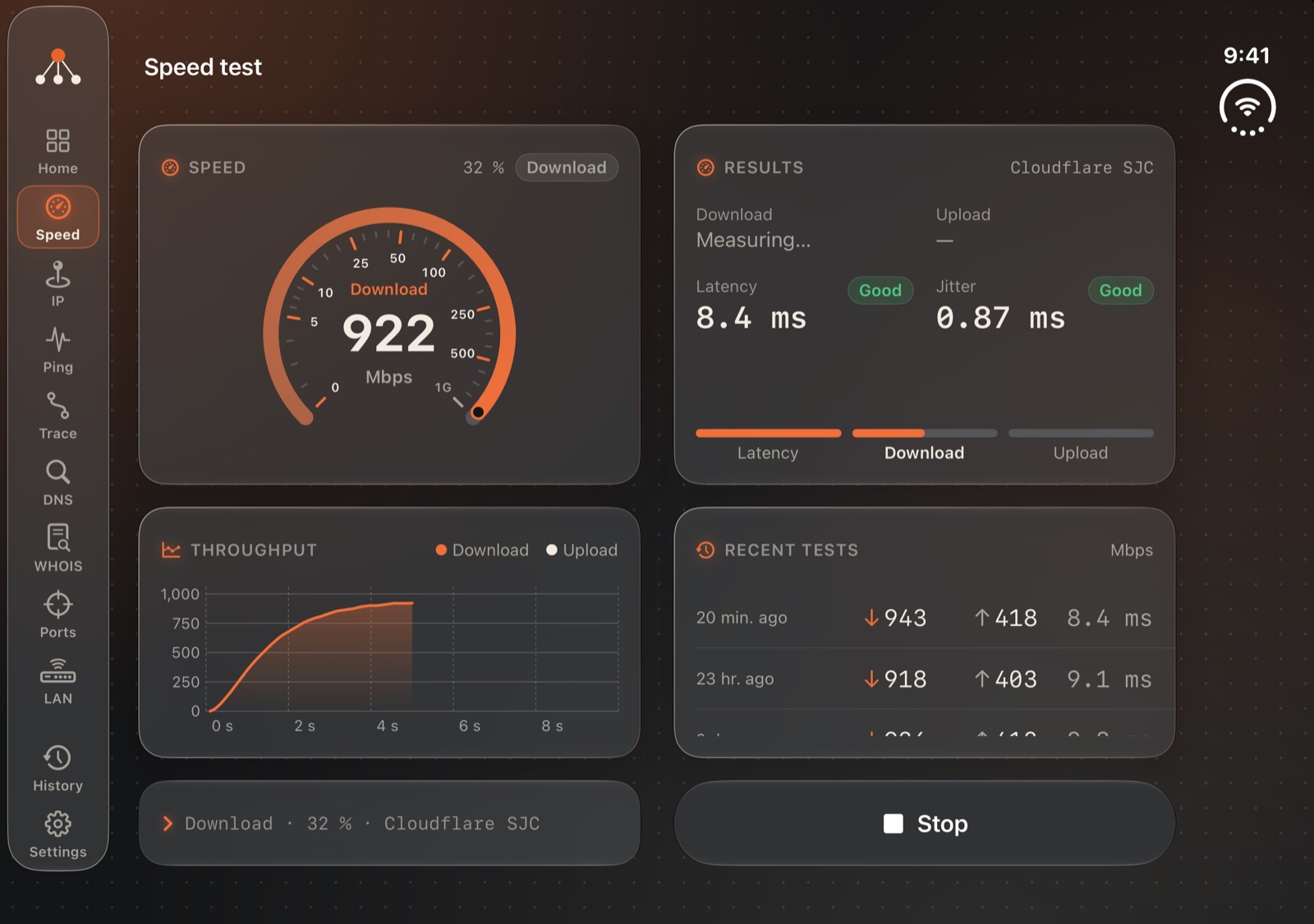
- Download, upload, latency and jitter over Cloudflare
- Live gauge and throughput chart
- Good, Fair or Poor at a glance, in Mbps or MB/s
> Network toolkit
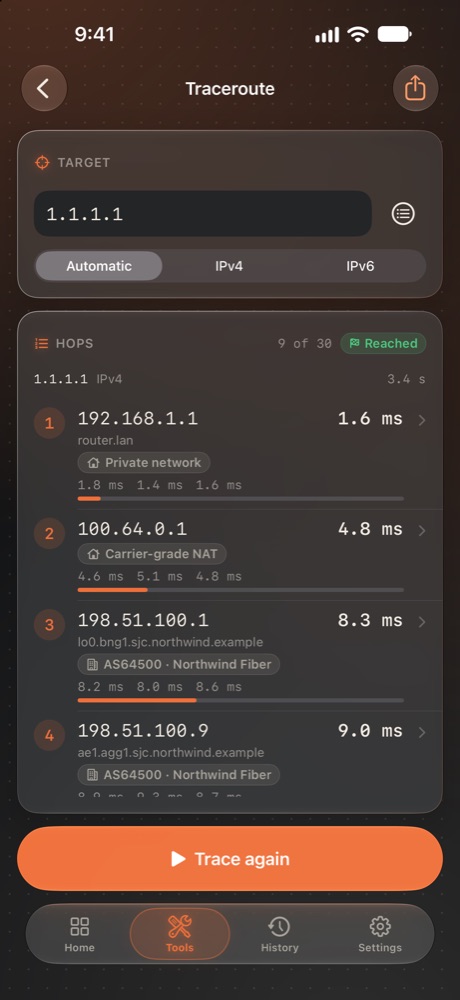
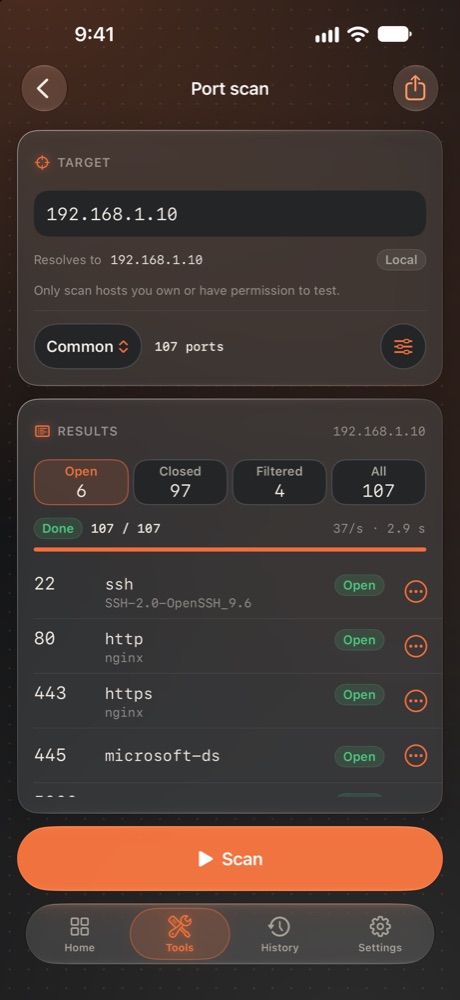
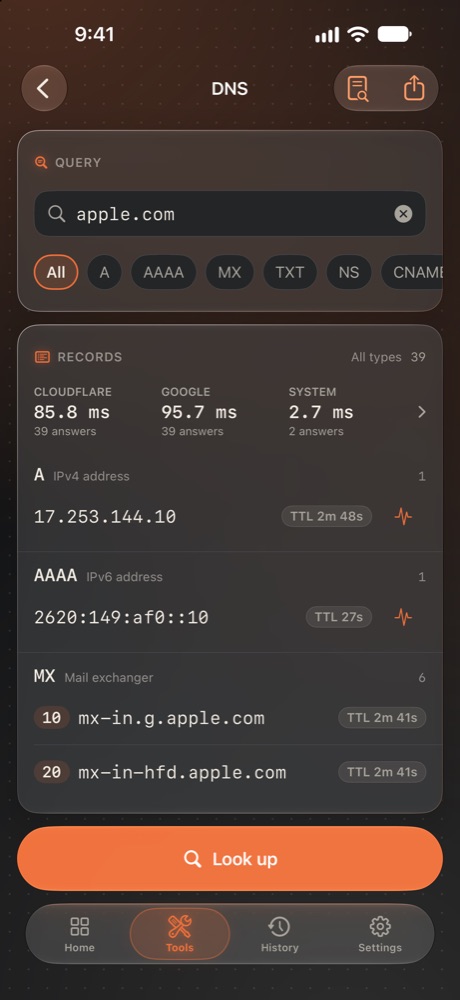
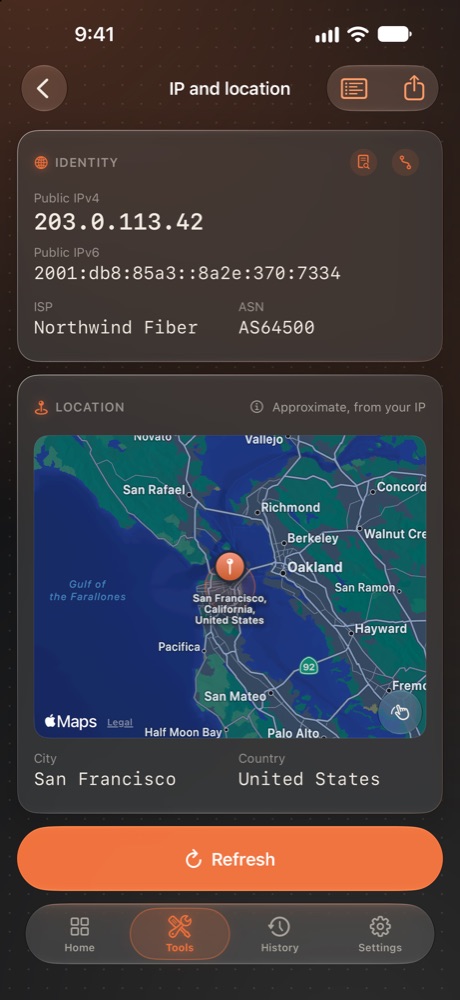
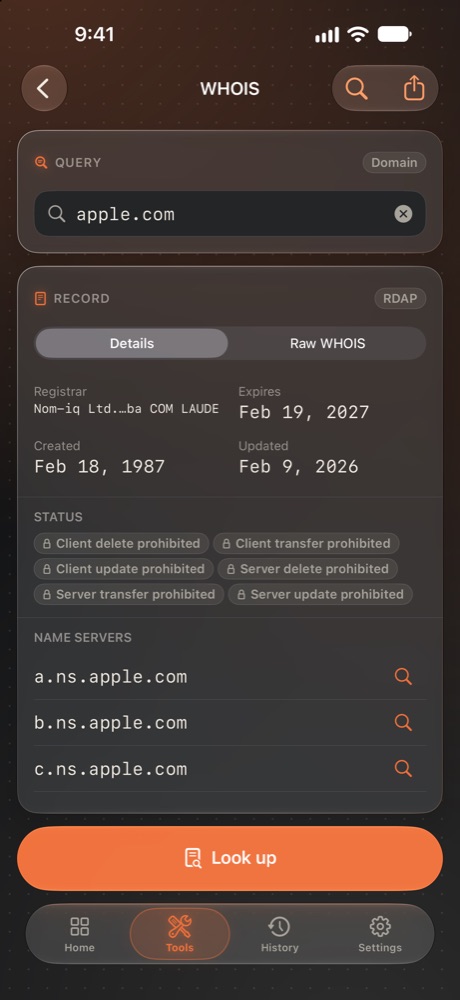
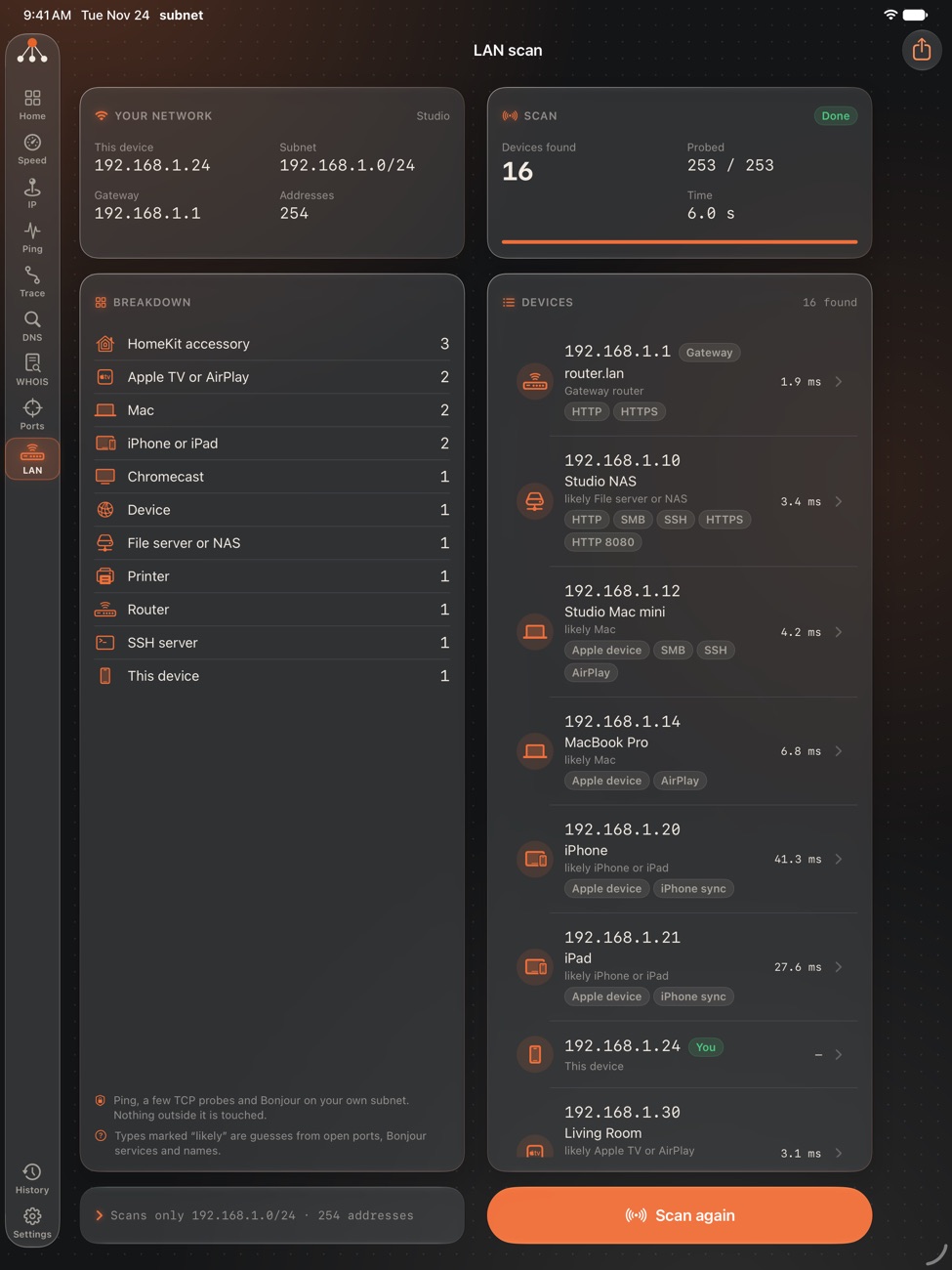
Eight pro network tools on one screen. Speed test, ping, traceroute, DNS, WHOIS, port scan, LAN scan and IP info, built for IT pros and made for iPhone Duo.
iPhone · iPad · iPhone Duo · iOS 27
> Tools
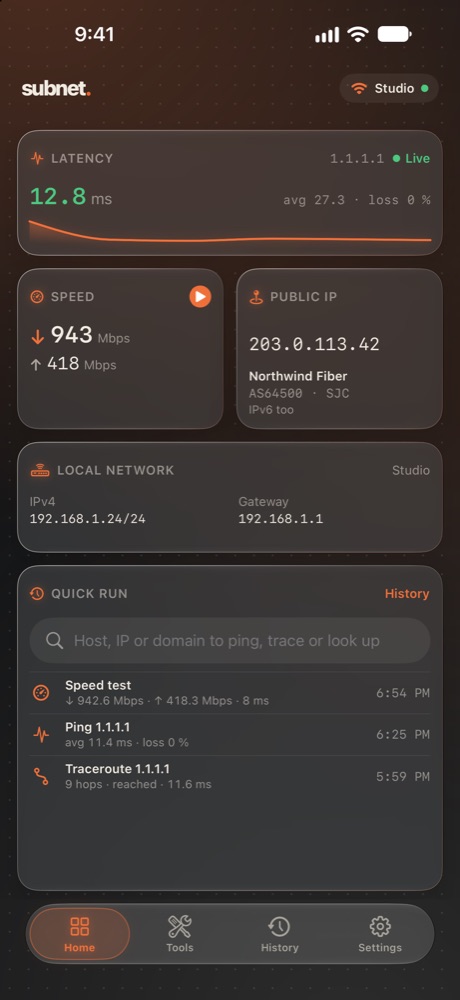
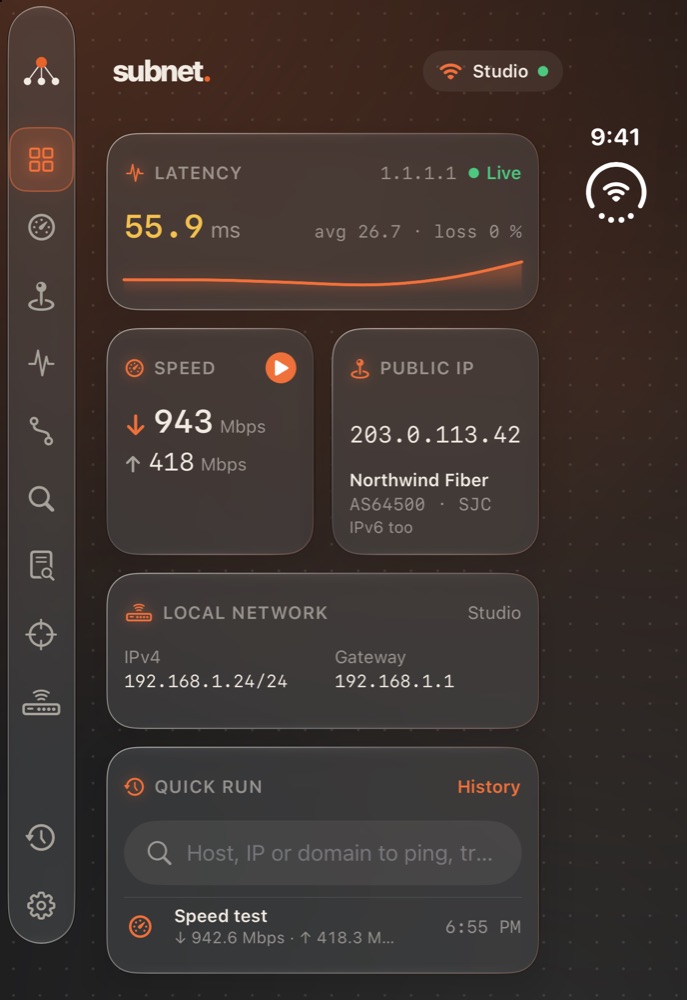
Start on Home with live latency, your last speed test, public IP and local network. Then jump into any tool, or type a host into Quick run and pick one.
$ speed
$ ping
$ trace
$ dns
$ whois
$ ports
$ lan
$ ip
> Screens
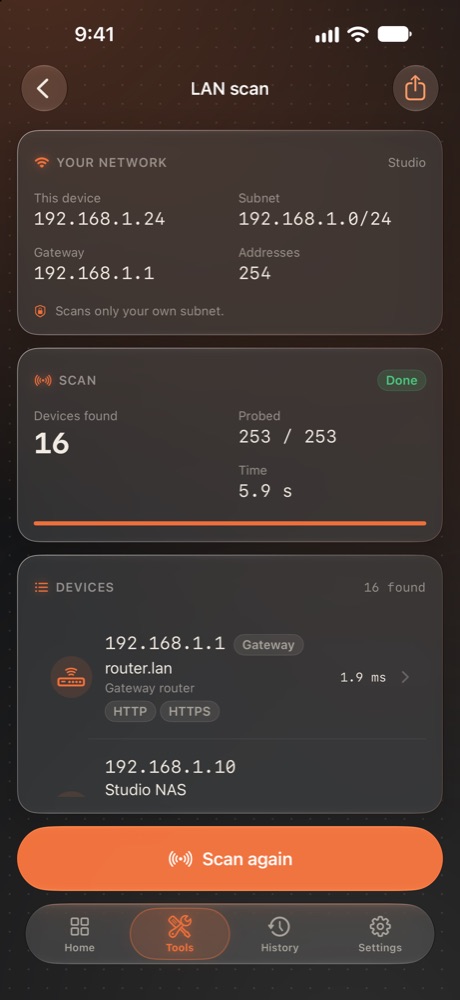
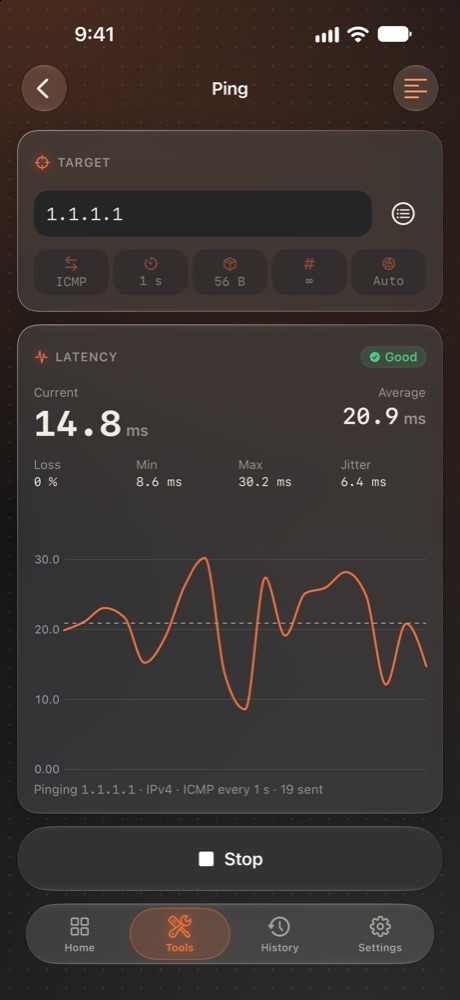
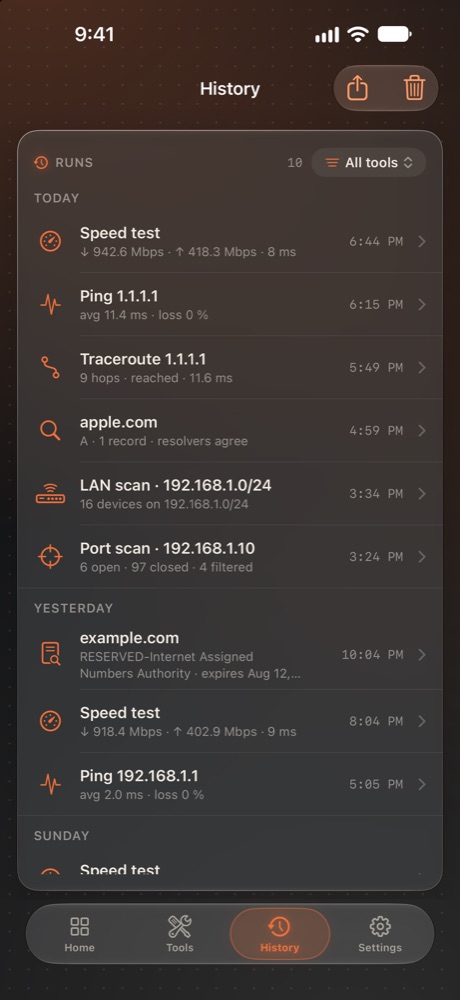
Every screen fits on one page at the default text size. Long lists scroll inside their own card, so the controls never move.
> Made for iPhone Duo
subnet lays every screen out for the width you have. Folded, it's one clean column. Unfolded, tools sit side by side, lined up across the fold, with nothing to tap on the crease.
> And iPad
The same row grid on iPad, in any orientation, with keyboard shortcuts for every destination.
⌘1 Home ⌘2–⌘9 tools ⌘Y History ⌘, Settings
> Private by design
subnet has no servers of its own. Your history stays on your device, and every service the app contacts is listed in Settings and in the privacy policy.
// on device
Every run is saved on your iPhone or iPad, grouped by day. Export to CSV or JSON, share a result, or clear it all.
// in the open
Speed tests go to Cloudflare, lookups to public services like RDAP and DNS over HTTPS. Data sources lists each one and why.
// careful by default
LAN scan stays on your local network. Port scans of hosts outside it ask you to confirm you're allowed to test them.
subnet is coming soon to the App Store for iPhone, iPad and iPhone Duo.